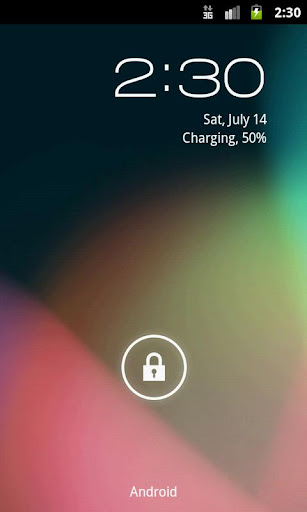
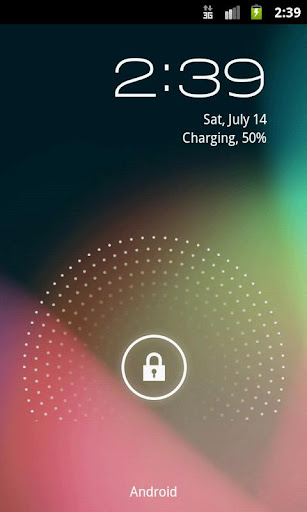
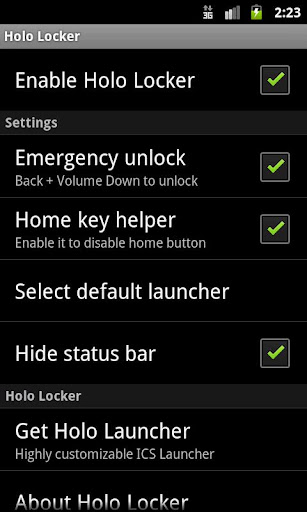
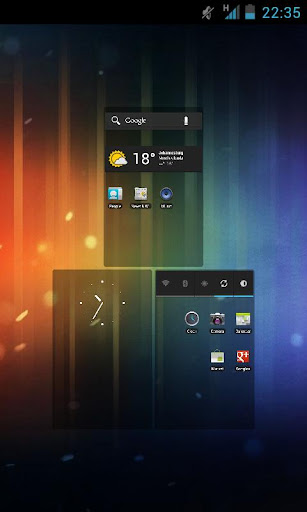
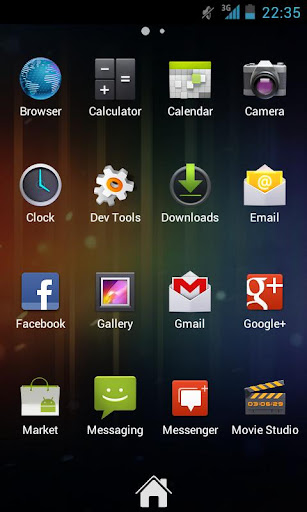
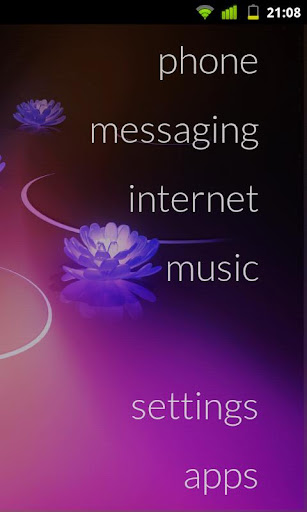
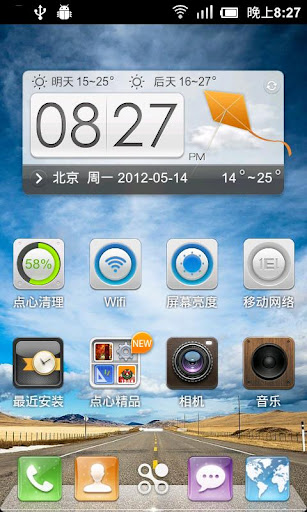
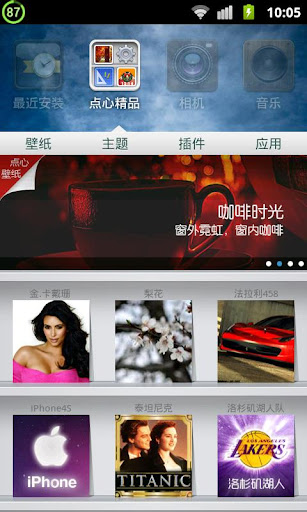
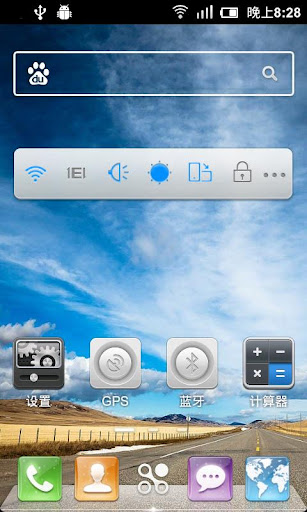
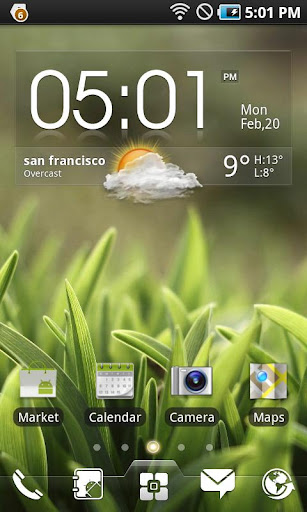
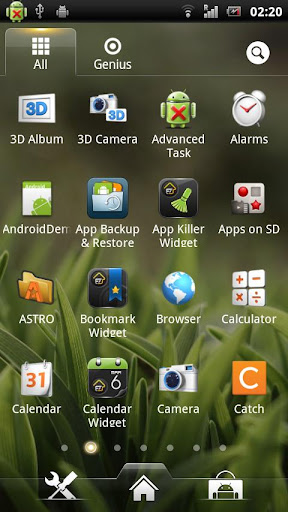
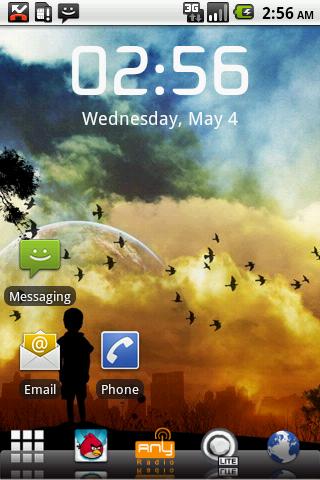
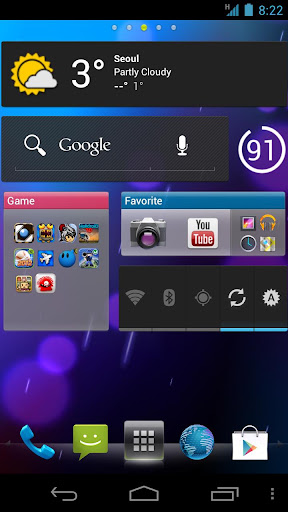
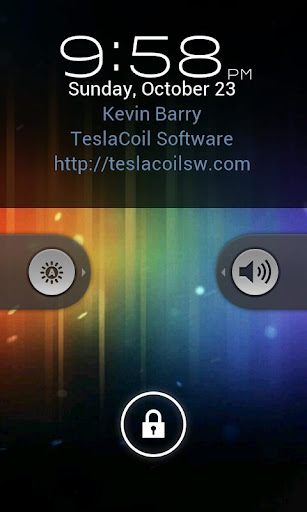
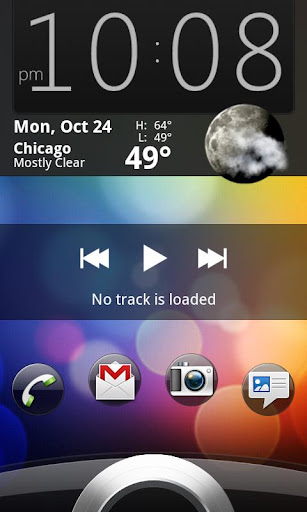
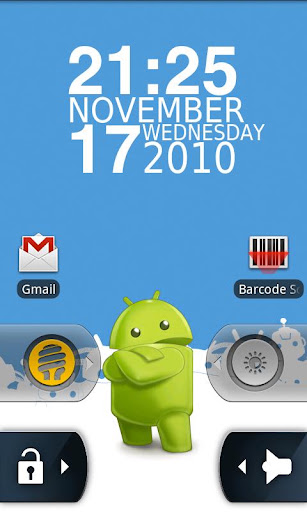
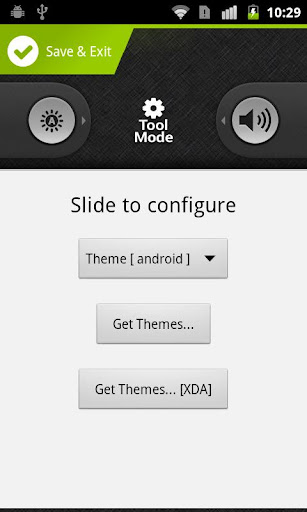
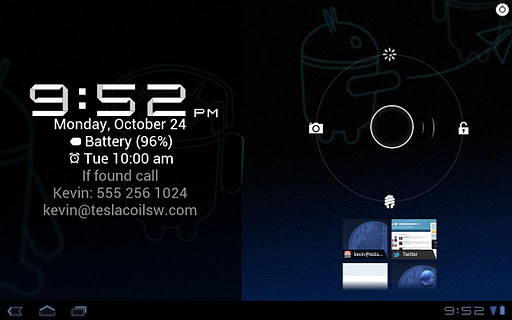
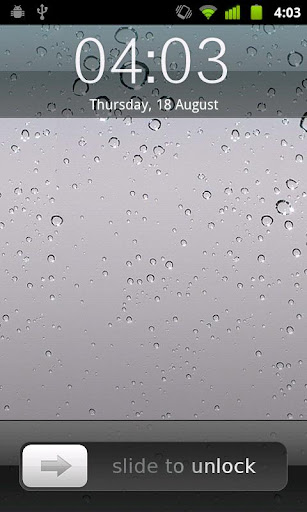
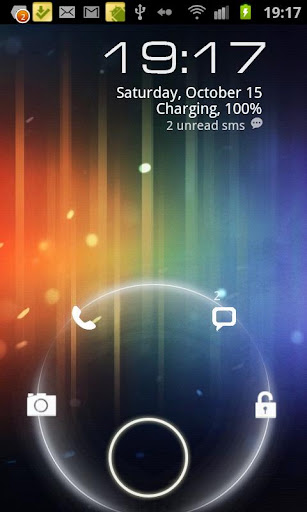
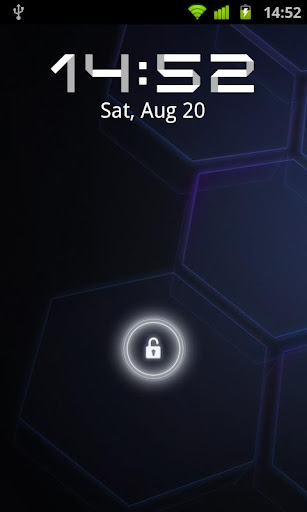
Simple and fast lock screen replacement, based on stock Jelly Bean lock screen. Holo locker is not a theme for Go Locker or others, it is the real Jelly Bean lock screen app. More customization options will be added in future.
This is ported VideoPlayer from the latest Note ROM (Open Germany, 2012 July, 4.0.4, N7000XXLRG) credit to Gyebro
***** VideoPlayer.apk from Galaxy Note (XXLRG) for the Galaxy S2 *****
I've done the following steps: 1) got the VideoPlayer.apk and odex from the rom 2) deodexed it 3) decompiled it and changed the xhdpi layout and resources to hdpi layouts and resources from an S2 VideoPlayer.apk (LQ5 version) 4) the mini window icon has been also resized 5) recompile, then signed.
Compatibility The app is deodexed, i have tested it with the LQ5 deodexed (stock) ICS The app needs the twframework of course. Notes Maybe it only work for ROM 4.0.4 (XWLPM..)
Installation Make a backup of your original VideoPlayer.apk (system/app folder) (Just in case : ) Overwrite that with the new one, then set its permission to "rw-r--r--" Reboot and enjoy!
Here is a video, but the screen recorder did not recorded the content of the mini player... ToDo Increase the size of the mini popup window (to 140%) - I'll do it next week, after my holiday. Note: The resource files are not the same in the Note and SGS2 version of this apk, therefore I had to manually check for every little mismatch (for example progress bar image was too big, etc) If you find any icon or drawable which looks odd, please inform me, thanks! If you like this, please comments here !
1.Updated Flashable zips With the Latest SU Binaries. 2.fixed a bug With oudated Su Binary in SuperSU not Giving Root Access. 3.Updated Superuser app.
Note ;- After flashing the superSU zip, reboot the phone,& start the superSU app, it will say outdated binary,click on continue, then it will automatically update the su binary by itself.& SuperSu will gain root Access. & U Can also update The Su Binary Through SU app. itself
SUPERSU IS WORKING FOR ME CORECTLY YOU CAN SEE THE SCREENSHOT.
& Plz Follow the Instructions Carefully. otherwise u will tell me that its not working.
Instructions :- 1. Download zip file . [ In Attachment] 2.Put it in sd card. 3.Boot into CWM. Recovery. 4.select install Zip File from sd card. 5.toggle Script Assets = ENABLED. 6.select The zip file. 7.Reboot .
Putting this thread together to give you guys a variety of Launchers i found on the market. So rather than having to find them all over the place i will keep everything here in one place and will try and find as many as i can and update the thread with any further updates the developers release for the launchers.
Apex Launcher Features include:
Customizable homescreen grid size and up to 9 homescreens
Scrollable dock with up to 7 icons per page and up to 5 pages
Infinite & elastic scrolling (homescreen, drawer and dock)
Fancy transition effects (tablet, cube, etc.)
Hide elements as you want (persistent search bar, status bar, or even the dock)
Customizable icons and labels for shortcuts and folders
Choose different folder preview styles and background
Zeam, thanks to its minimal aesthetic, not only looks fast but feels fast. It's also incredibly simple to use, and unlike the other launchers it actually works very well out of the box.
My favorite feature in Zeam is configurable gestures -- but not only can you bind swipe actions, like ADW, but you can also bind double tapping the screen and the Home hardware button to actions.
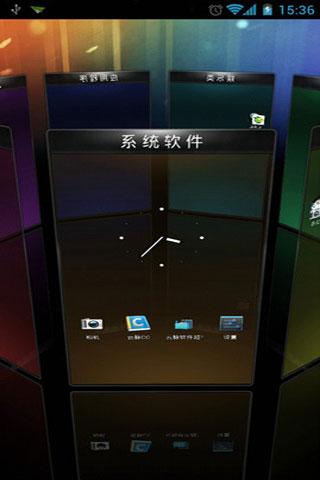
TSF Shell
Features:
Enable you to do multipul-operation, including auto-arragement, multipul-choices, add-to-folder, multipul-deleting, to the items by only one move of the finger. You can also check your folders in various ways.
TSF SHELL 3D has one app page and 4 personalized pages for our users. You can switch between pages by one click at the switch button in the lower left corner.
You can freely create one or more quicklinks for apps and drag them to any page. You can also distribute all the app icon (or even change their angles) freely in the personalized page.
The side column provides the most TSF Shell 3D charateristic widgets, including folders, contacts, music player, weather and so on.
The side column can be personalized as well, including changing the order and position of different catagories. You can create quicklinks of your most frequently used apps and contact in the quick launch in the side column.
TSF Shell 3D has a most powerful theme function. Apart from the difference in style, some themes even allow change in the transition animation.
Tips: 1. The folder where the application is less than 8, only to circle the icon into the folder. 2. The folder where the application is more than 8, only to drag the icon ftom the folder.
SSLauncher
Features
Decorate screen with a variety of styles for shortcuts and widgets.
Create a widget poping up when tap a shortcut.
Support formatted text for current date & time, missed calls and unread SMS/MMS messages.
Support scrollable widgets.
Easy and quick access to pages for contacts, bookmarks, application drawer, application group.
Many useful features of application drawer: app parcel(folder), showing/hiding app, marking star for favorites apps, changing application icon and name, uninstalling app and so on
Create application group and manage list by drag and drop.
Save and load your theme, page layouts and settings.
Convert the saved theme file to apk. (contact us by e-mail for more informations)
Hide status bar, open status bar by swiping down.
You can implement nice screen without launcher 7, dvr, minimalistic text, wp clock, clockr etc.
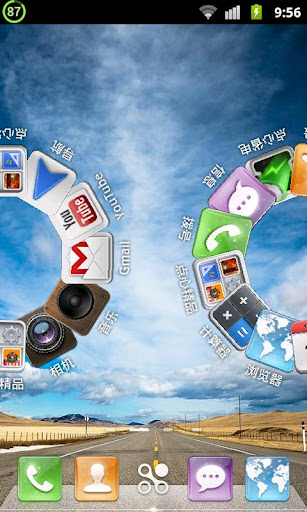
Go Launcher EX Launcher
Features:
Thousands of personalized themes
Various widgets and screen locks (weather, switcher, calendar…)
Extremely smooth transition animation
Smooth flipping operation
User-defined folder to easily categorize apps
Many options in preferences to help you customize you phone!
=Tips= 1. How to get themes, widgets and lockers? a) Search ‘go launcher theme’, ‘go widget’ or ‘go locker’ in Android Market. b) Use GO Store via menu button in GO Launcher. 2. How to set transition animation? Use ‘Effects settings’ via button in GO Launcher. 3. Icons are too small? Use ‘Icon Size’ option in ‘Preferences->Visual settings->Icons’ to make icons bigger. 3. Long press the app icon to enter editing mode on home screen and app drawer. 4. Glide up to open menu and glide down to pull down notification.
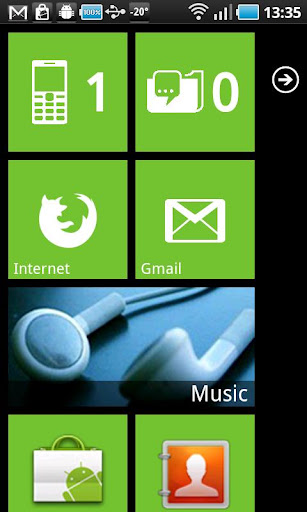
Launcher 7 Windows Phone 7 Style Launcher
Description and features Unlike other current WP7 launchers (Windows Phone Android, Metro UI), this one allows you to properly modify your start screen. Just long press on a tile and drag tile where you want! This version is free, but does have an ad in application list. Ad free donate version is available if you don't like the ad. Also supported:
2 x 1 tiles
Original Windows Phone 7 backgrounds!
Freely configurable tile colors
Launcher options are available from Application List (press menu in app list)
Layout animations
Animated contacts tile! (still work in progress)
Windows 7 Launcher Pro has the following features:
Pinnable contact-tile which animates like the real phone
Folder tiles
Webpage tiles
Picture hub (use with care, it needs memory!!!!)
Filterable application list
Stock wp7-like colors and color selection
CC3D Launcher
Description and features CC 3D Launcher is a fashion, funny, cool "home replacement" app. It maximizes your user experience on your Android phone, with the newest Android 4.0 feeling. Highlights:
Simple, Fast, Fluid, Powerful, Efficient, in High Definition
Features:
Android 4.0 Experience
Folder Management(overlay icons to create folder; drive-and-drop icons into folder; rearrange icons of folder)
3D effects: Full 360 degree rotation. Different animations and transitions. Zoom in, zoom out
Optimization: significant reduction in memory size
Optimization: improve the speed of the initial start
Optimization: Improving Desktop to quickly switch design details to improve the animation efficiency
Fix: in some models, press the HOME key to unlock directly
Repair: the icon does not change after changing theme style
Repair: the cascade and the box to cut the screen effects
Fix: some models (NS 4.0.4, etc.) icon layout
Features:
Unique MIUI theme interface and gestures
8000+ Themes, Wallpapers and Ringtones available!
Support for up to 9 screens or more
Works on all NON-MIUI ICS 4.0 based devices.
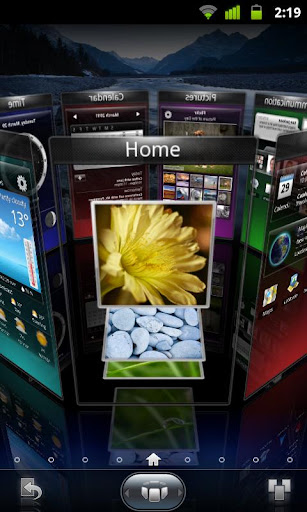
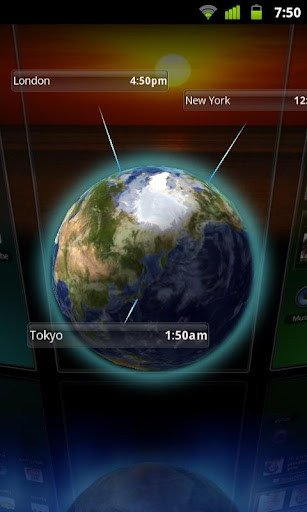
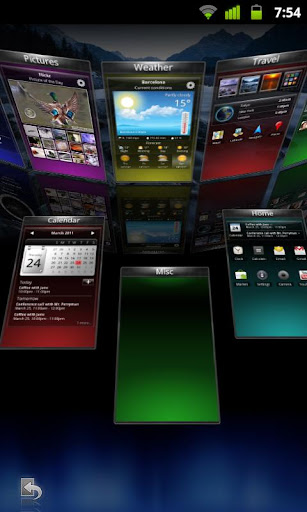
SPB Shell 3DLauncher
Description and features ADW LauncherDescription and features ADW.Launcher, beyond tweaking your android desktop
Opensource home replacement app
Customizable application drawer (old one or iphone/galaxy one)
Customizable drag&drop action buttons
Unveil the Dockbar flicking-up the app-drawer button and drop UNLIMITED shortcuts/folders!
Themes
MXHome LauncherDescription and features MX Home is an launcher application that is specialized in 3D effects on its 'Theme page' It provides totally different experiences by highlights from 3D effects and creative ideas. ▣ Major Features
Dynamic 3D G-sensor movement
Various graphic & sound effects
Coffee bean poping-out effect by shake
3D water bubble background effect
Shortcuts for 8 major App.’s
Control tray
[Battery, Wi-Fi, BT & sound]
▣ Easy Management
Quick App. manager
*Edit / Info / Delete / Uninstall
Quck task manager
*Just touch on Smart Menu icon at workspace *Close all application / View recent run ▣ Icon Pack
Workspace Array - 4*4, 5*5
Live icon effect - Zoon, Bounce, Rotation
▣ Dock Bar
MX Button - 3D MX theme open
Scroll type - Horizontal, Vertical
▣ MX Theme
Theme Change : Text -> Image
Theme Position : Up, Down, Left, Right
▣ Application
User Icon' dock menu
*enables a user to change icons at dock menu
Smart menu
*sort by Categrory / ABC / Date
View of memory usage
▣ Icon Pack
Workspace Array - 4*4, 5*5
Live icon effect - Zoon, Bounce, Rotation
▣ Dock Bar
MX Button - 3D MX theme open
Scroll type - Horizontal, Vertical
▣ MX Theme
Theme Change : Text -> Image
Theme Position : Up, Down, Left, Right
Lightning LauncherDescription and features Lose the fat, keep the muscle. Be warned, Lightning Launcher is on steroïds. Lightning Launcher: Lose the fat, keep the muscle. Be warned, this launcher is on steroïds. Tips, please read this first:
Use "LLW App Widget" if you want to add Android widgets.
This app is started through the HOME key and not from your app drawer since LL is itself a launcher. If you cannot select it through the HOME key then you need to clear the defaults for your current launcher.
This application has been designed to minimize memory usage and be fast: the more memory you have for your applications, the faster they will run. In other words Lightning Launcher has been built from the ground to preserve your phone's resources and keep it smooth.
In spite of its ridiculously small size (less than 60kb!), Lightning Launcher is packed with a fair amount of features and brings to Android a very unique concept: the home screen can be seen as a giant surface on which you are free to put icons, shortcuts or widgets exactly where YOU WANT, and not limited to a 4x4 grid. Pinch to zoom in or out the desktop, use the home key to switch between a full scale view or the normal size, or double tap on empty space as in the web browser to immediately see all your icons. And everything stay functional whatever the zoom level is: widgets are alive, icons can be clicked, and so on.
Lightning Launcher drops rarely used features and focuses on useful ones but comes nevertheless with numerous customization options. Icons and widgets can be moved, scaled and even rotated freely. Each object can be configured independently, you can change the font, the label, the icon and much more !
The package is extremely small, only a few kilobytes. What it means is that the Android system do not need to load several megabytes to run this app. Lightning Launcher starts faster and run in perfect harmony with your other apps.
For people kindly asking why the CALL_PHONE permission is needed (notice that this the only one needed by LL!): this is needed for direct call shortcuts, and this permission is included in all major launchers, including Go and Pro.
For other people not asking why and putting stupid one star comments: go away, you have just lost a unique chance to try something new and better, have a good day.
DXHome LauncherDescription and features DXHome, a highly customized launcher replacement app., is a perfect launcher for Android phones. It is created by the Dianxinos Enterpriser team in Innovation Works invested by Dr. Kaifu Lee. Highly customizable with various themes, colorful desktop transitions, easy operating……, just like its name in Chinese, Dianxin is making the home of your Android phone colorful and enjoyable! What could you get from DXHome?
So many themes to enjoy!
Want your phone to change with your mood?! Try themes we designed for you!
DXHome presents its first six themes of totally different styles!
NO.1 Dianxin Default Desktop Theme--- it is peaceful, clear, warm……, all the nice feelings DXHome wants you to feel. Name it by yourself. It’s our gift~^-^~
NO.2 Midsummer Theme--- get fidgety from the hate outside? Pick some cool and fresh air here!
NO.3 Cake Theme--- are you a foody? How about some candy and cakes now~^-^~ Try it and tell us how it’s like? DXHome is “cooking” more and more for you if you like~
NO.4 Batman— a big Batman fan? Here he comes! COOL!
NO.5 Clothing— want your phone to be cute? DXHome makes suit for your icon! Try it on!
NO.6 Tree & Shadow— at the end, come and sit down beside the tree, just enjoy the peaceful nightfall now.
Espier LauncherDescription and features
Espier Launcher is the best launcher for your smartphone
Espier Launcher is a desktop for your smartphone or tablet which is based on Android 2.2 or later. It brings you an entirely new interaction experience, and makes your smartphone and/or tablet to be different from the rest.
Main Features
Simplified Menu
Rename and hide the apps
Theme manager
Icons arrange
Internet
Support android 4.0
EZ LauncherDescription and features EZ Launcher, the most convenent way to operate your phone. EZ Launcher(beta) is coming, a cool home replacement app, with the most convenient way to operate & organize your phone. #Features:
Genius app list brings you the app you most want
Auto category can help you automatically categorize your apps
Quick app search to find the app you want in app list directly
Pre-loaded app manager tool with all task manager, uninstaller, app2sd and etc functions in one place
Balancer LauncherDescription and features Useful Launcher, good performance, run fast, has cool ui~~ Balancer Launcher is a Home(Launcher) app, like ADWLauncher,LauncherPro,Go Launcher,Launcher7,Zeam,Regina Launcher etc, which is focused on provide users a brief and useful Home. The Launcher has smooth ui effect and perfect performance, it can launch application quickly. Be compared with some other similar applications, It has better performance and do cut off some useless settings, we think a simple and cool application is what a user wanted exactly and we will try our best to create one for you. Features:
Support apps' sort
Can uninstall apps quickly
Built-in File Browser
Cool wallpapers
good sunny clock widget
Nemus LauncherDescription and featuresA Home replacement Application with
Low memory usage
Quick response
Easy App finding/management
Easy Workspace management
Easy Folder management
[Features]
DockBar page count customization
Page indicator hiding
Grid size customization
Hiding system status bar with gesture
Missed call & Received sms badge display
Widget Resizing
Themes (native ZIP themes & SSKIN themes downloadable from market)
1 to 9 workspaces
Various App list styles
Expandable folders in workspace & app list
Workspace and app menu switchers (screen preview)
Highlight recently used apps
Scrollable bottom docks / QuickSetting docks
Scrollable widgets
App-Hide&Lock / Screen-Lock
FTL LauncherDescription and features
Make no mistake, this is the fastest launcher you'll ever run. Small, light, configurable. The Gingerbread launcher as it should have been. No useless stuff, no compromises. Performance and usability are the driving forces here.
On version 3.0 Pro users have a all new game to play now: The Pro version can use existing ADW, GoLauncher and LauncherPro Icon and Dock themes, giving FTL and unprecedented array of possible theming. You can even mix Dock and Icon themes from different launchers. Google Play is yours for the take.
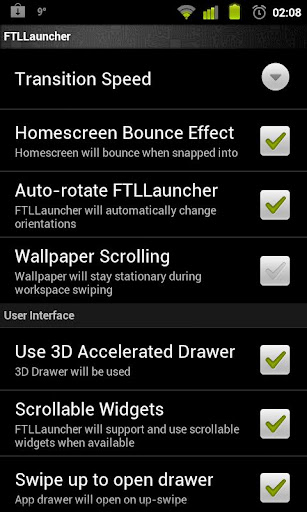
And of course you still have the other extras: configurable homsecreen grid from 4x4 to 6x6, resizeable widgets, and, never seen in any launcher: control over core Android window animation speed.
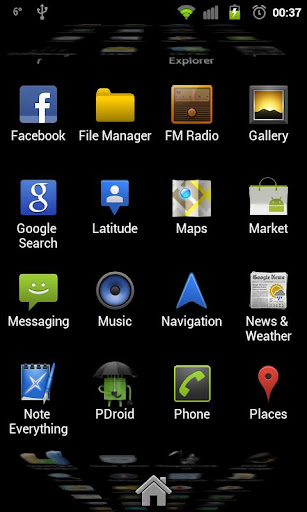
Important: FTL supports all resolutions and ICS, but only 800x480, 854x480, 960x540 and 480x320 devices have 3D drawer enabled! Also ICS has no 3D drawer because it does not contain the "old" opengl interface. But as it is natively accelerated anyway, 2D drawer should be very fast.
Features:
Theming support: The Pro version can use existing ADW, GoLauncher and LauncherPro Icon and Dock themes, giving FTL and unprecedented array of possible theming.
Tweaked for extreme speed and smoothness
Fully accelerated 3D Waterfall app drawer
Option to use "normal" 2D app drawer
Configurable support for resizeable widgets: only when adding them to the homescreen, you cannot edit them later.
Configurable Homescreen grid: From 4 to 6 rows, and 4 to 6 columns
Configurable number of homescreens: from 1 to 9 with configurable default homescreen
Choice between 3 and 5 icon Dock
Configurable Dock icons size
Configurable "swipe down" and "swipe down" independently to any of the following:
Includes anim speed: precise control over core Android windows/transition animation speed
Configurable Support for launcher auto-rotation
Configurable Infinite looping of homescreens
Configurable support for scrollable widgets
Configurable bounce effect on homescreen transitions
Customize which widgets/buttons are allowed or blocked at the lock screen
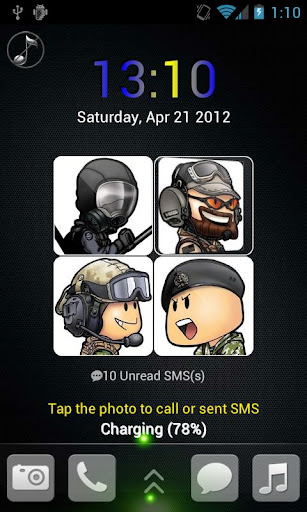
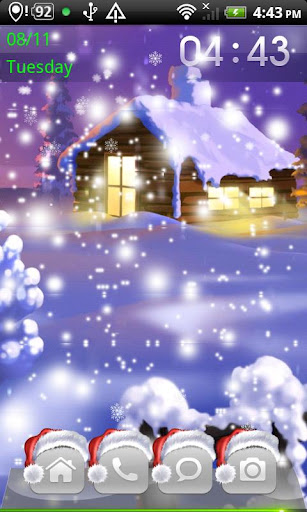
Download Link:HereMagicLockerDescription and features Magic Locker is most colorful and simple lock screen app for Android! Various of lock screen Themes to match your style and make your mobile outstanding! Features:
Shortcut Customization
More Theme Customization(like position,alpha,skin,show/hide somethings)
Activate phone, SMS ,Camera and other shortcuts directly from lock screen;
Screen Lock Security
Support customise wallpaper and live wallpaper.
Support customise date format
Support system security pattern (settings->Location and security->Set up screen lock. For HTC: Settings-> Security->Set up screen lock)
Block Home Key
Support to enable/disable volume rocker wake up screen
Support to send Email, mak phone call, open URL ect. directly on lockscreen.
Support to pull down notification bar
The Magic Locker Main App just includes one theme - 'Lost Robot', as the default theme,
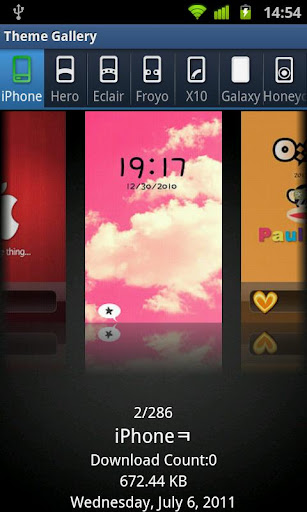
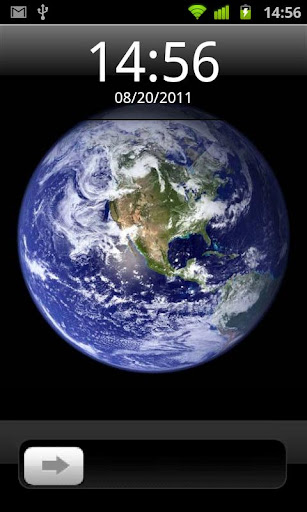
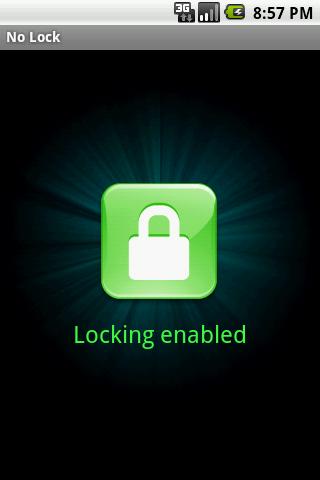
Download Link:HereLockBot FreeDescription and features LockBot is a lock screen editor.Customize by yourself or download from Theme Gallery. ★Theme★ - iPhone - Hero - Eclair - Froyo (Pro Only) - X10 (Pro Only) - Galaxy (Pro Only) - Honeycomb (Pro Only) - Ice Cream Sandwich (Pro Only) ★Bacground★ Set lock screen background from - Flickr - Picasa - Wretch - Pics on your SDCard ★Feature★ -Change unlock sound -Customize clock style(Digital, Analog) -Schedule theme play list -Set unlock security(Password, Graphic Pattern) -Shake unlock -LockNow widget Download Link:HereGoLockerDescription and featuresFeatures: 1. Cool Locker Screen that makes your phone outstanding; 2. Good compatibility with GO Launcher EX and it is stable; 3. Easy to use; 4. Able to activate phone, SMS and Camera directly or you can change the slider shortcuts yourself; 5. Various of Locker Themes to match your style; 6. Support customise wallpaper; 7. Security locker; 8. Emergency unlock enabled; Tips: 1. Make sure GO Launcher EX V2.58 or above has been installed; 2. Click “MENU—-Preferences—-Theme Settings—-GO Locker” to use it after installed; 3. Click “My locker” to preview and Download more Locker themes; Download Link:HereNo LockDescription and features Tired of the lock screen? Use your phone as quickly as possible, with No Lock! Tired of the lock screen? If you want to use your phone as quickly as possible, this app is for you. It simply disables the lock screen. Press the unlock/menu button just once and the screen turns on immediately.Download Link:Here